At some point, you might have asked yourself if Phonexa is really the best tool for your setup. Maybe it works, but not quite the way you need it to.
The good news is you have options that can give you more control.
Some tools give you tracking. Others focus on routing or analytics. A few combine everything, including conversation intelligence, tracking integrations, and reporting.
In this article, you will learn the five best Phonexa alternatives that make lead management easier and more efficient.
TL;DR
Here are the five best Phonexa alternatives:
- Standard Information - Best for lead distribution and routing
- Ringba - Best for pay-per-call networks
- CallTrackingMetrics - Best for inbound call tracking and automation
- Invoca - Best for enterprise call intelligence
- WhatConverts - Best for simple lead generation and tracking
Why People Search for Phonexa Alternatives
Phonexa can assign numbers to campaigns, track phone calls, route leads to buyers or sales teams, and tie each action back to marketing campaigns so you can measure results.
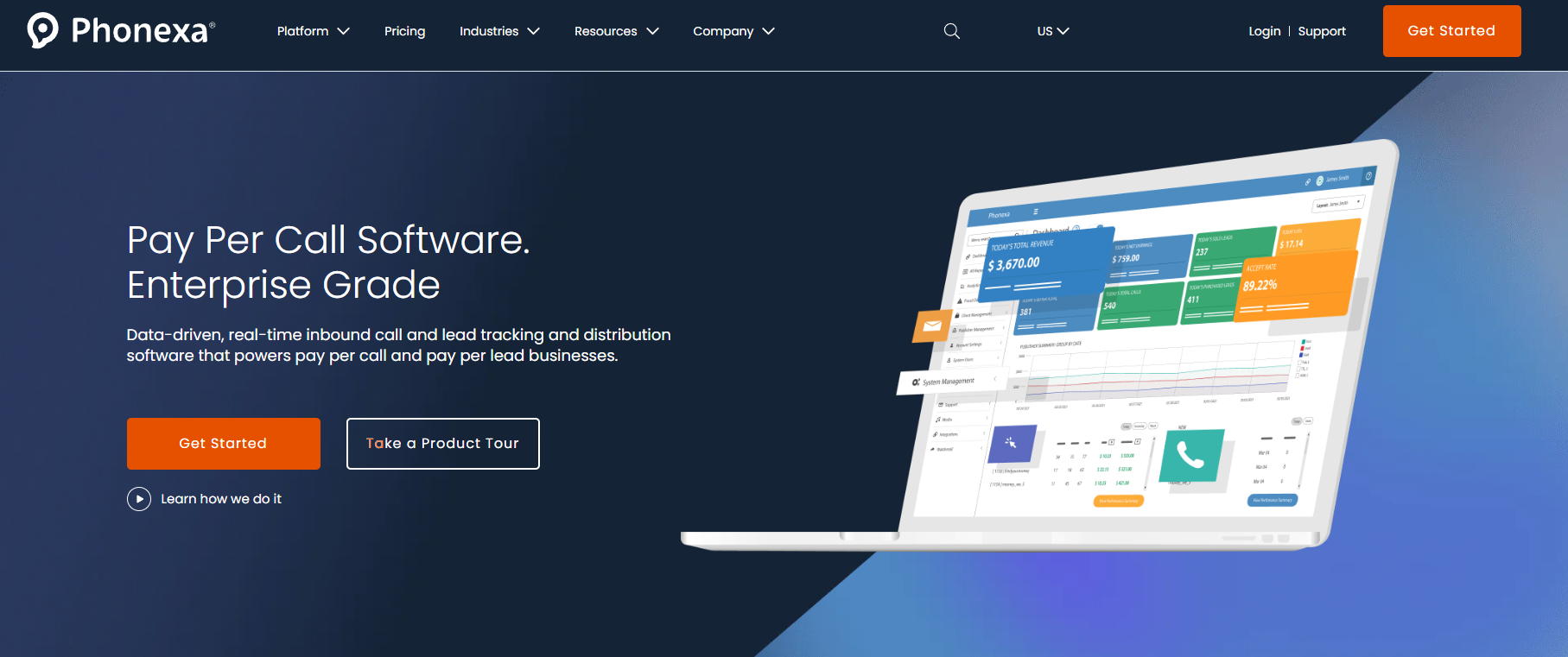
Source: phonexa.com
Even with all these features, many teams start looking for other options after using it for some time. The reasons below explain what usually leads them to search for Phonexa alternatives.
- Many teams find this marketing automation suite too complex for their day-to-day needs.
- Most users prefer a simpler interface that doesn’t require a long learning period.
- Costs increase with usage, which makes budgeting harder for growing teams.
- Setup takes time since each module connects to another and needs proper configuration.
- Large companies often look for a tool that focuses on a specific area, such as calls.
- Custom changes can take effort when routing logic or campaign rules need updates.
- People search for better support when they need faster answers to issues.
Features to Look for in Top Alternatives for Phonexa
Now that you understand why teams move away from Phonexa, the next step is to know what actually replaces it.
Not every tool can handle the same workload. You need to compare different tracking providers to find the one that fits your budget and still gives you complete control over calls, leads, and reporting.
Basic Call Tracking
Start with how the system tracks calls. A strong tool should show exactly where each call comes from and what triggered it.
Use dynamic number insertion (DNI) to see which keyword made the phone ring. That setup assigns a different number to each visitor based on how they found your landing page. When someone calls, you can trace it back to the exact search term or ad.
You should also be able to track call sources from both digital ads and offline flyers. Some leads come from Google Ads, while others come from printed materials or direct outreach.
You also need to see your calls right next to your website visits in Google Analytics. It will help you connect online behavior with phone activity, which helps you understand how visitors turn into leads.
Ping Post and Lead Bidding Systems
Some teams need more than simple routing. They need a system that can sell leads to buyers in seconds.
High-speed tracking capabilities are needed to run a live lead auction. The system should be able to send lead data to multiple buyers and collect bids almost instantly.
Pick tracking solutions that allow you to set your own profit margins, so you can control how much you pay for a lead and how much you sell it for.
Make sure also that the bidding engine has tracking integrations for all your lead buyers. Each buyer needs to connect directly so bids and responses come back fast.
Use bidding data to make smarter marketing decisions about where to spend your money. You will see which potential customers pay more and which campaigns produce higher-value leads.
Lead Validation and Filtering
Before a lead moves forward, the system needs to check if the data is valid.
The tool should check all form fills to make sure the data is real and not from a bot. Fake submissions waste time and cost money if they pass through. You can use form tracking to see which web forms are attracting the most spam.
It should let you filter your calls to make sure only high-quality calls reach your sales agents. Short calls or wrong numbers should not count as valid leads.
It should also let you check your outbound calls to see if your team is calling back valid leads quickly, as slow follow-ups can lead to missed opportunities.
Reporting and Call Analytics
You need comprehensive reporting to track call origins and measure campaign effectiveness accurately. That in-depth data shows where your leads come from and how they perform.
Through real-time reporting, you can see your sales and leads as they happen. When you track all customer interactions, you learn what makes people want to buy from you.
It also lets you monitor key metrics such as call length and wait times to stay efficient.
Reports can show your marketing ROI, so you know if you are making a profit. Without that, it becomes hard to decide where to invest.
Use analytics to optimize marketing campaigns and cut out the ones that don’t work. Focus your budget on what drives calls and leads.
5 Best Phonexa Alternatives in 2026
The tools below are the top Phonexa alternatives, and companies in various industries use these popular platforms to handle call tracking, routing, and lead distribution in a more controlled way.
1. Standard Information: Best for Lead Distribution and Routing
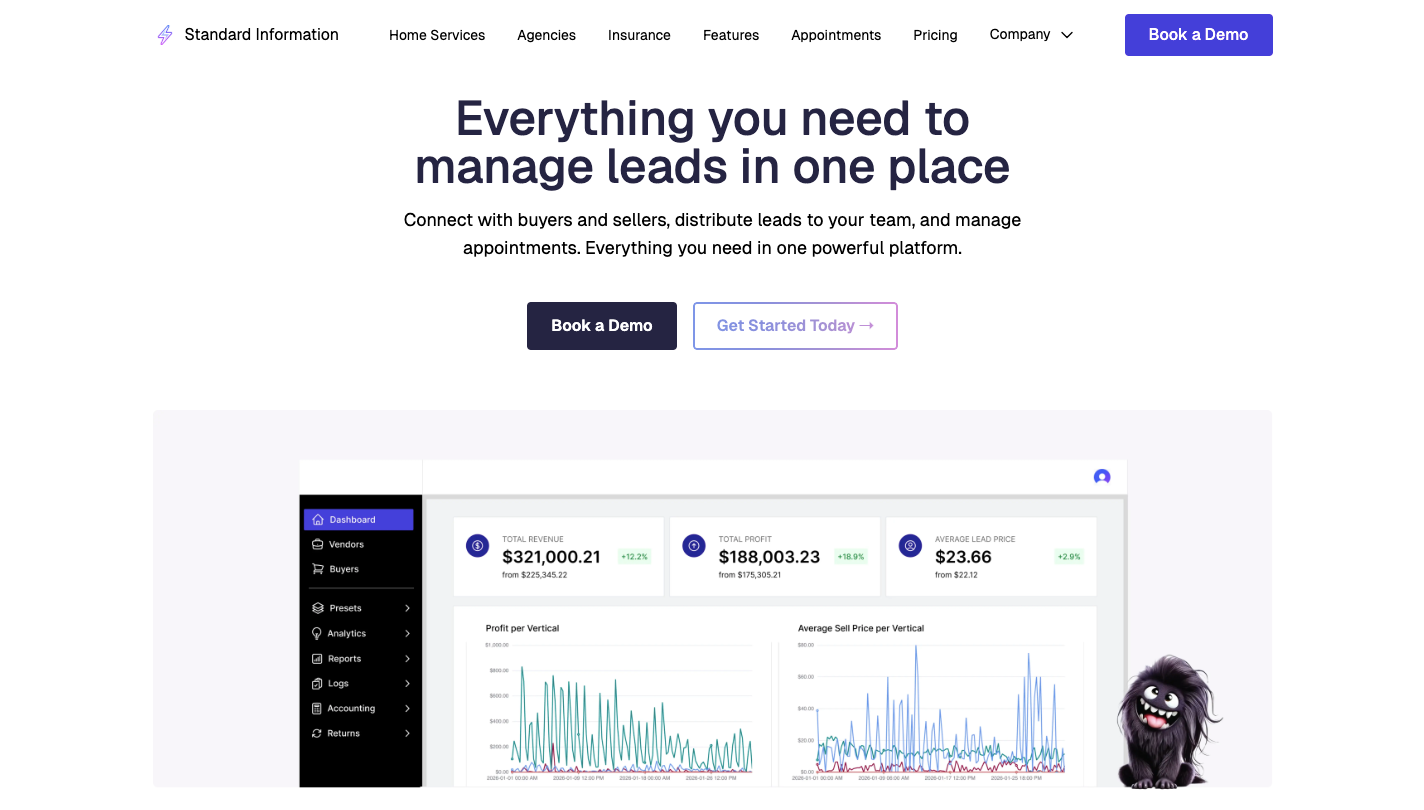
Teams that deal with buying and selling leads often hit limits when tools split data on different systems.
Standard Information handles lead management to keep all your prospect data in one place while giving you control over how each lead moves from source to buyer.
Once a lead enters the system, validation runs first. Emails, phone numbers, and duplicates get checked before anything moves forward.
After that step, enrichment adds more data through connected apps, which helps improve targeting. Routing comes next, where you can route your leads based on various criteria like location, time, or buyer price.
You can manage calls and web leads from a single, central dashboard while adjusting pricing, budgets, and delivery rules. Many businesses rely on multiple marketing channels, so having everything connected helps track performance and revenue more accurately.
Key Features
- Ping post distribution - Lead data goes to multiple buyers at once, bids return quickly, and the system routes the lead based on your rules and pricing goals.
- Lead validation engine - Email format, phone activity, and duplicate checks run before routing.
- Advanced routing controls - Filters like location, schedule, and buyer limits decide where each lead goes.
- Lead buying and selling tools - Campaigns can pull leads from vendors or sell them through auctions.
- AI call center tools - Call flows and booking systems run through automated logic, which helps turn leads into scheduled appointments.
- Real-time reporting dashboard - Transaction logs, error tracking, and campaign data help you review how each lead moves through the system.
- Custom notifications - Alerts send lead data through SMS, email, or webhooks.
- Marketplace controls - Caps, volume limits, and pricing rules help control how many leads get sold and how much profit you keep.
- App store connections - External tools plug in for scoring, validation, and enrichment, which adds more value to each lead.
2. Ringba: Best for Pay-Per-Call Networks
Source: ringba.com
Ringba is for pay-per-call networks, affiliate marketers, and businesses that need to manage a high volume of voice calls every day.
Once a call enters the system, Ringba captures key details like location, keyword, and source. It then uses that data to decide where the call should go.
A bidding system runs in the background, where buyers compete for each call based on price and availability. Through this process, it can route calls to the highest-paying or best-performing buyer.
As calls move through the system, it makes sure customers always reach a live agent who is ready to help them.
Key Features
- Ring tree routing - Sends each call through a tiered routing path where buyers compete based on payout, availability, and past performance, which helps match each caller with the best option.
- Live bidding engine - Uses a live bidding engine to drive conversions and higher payouts by allowing multiple buyers to bid on the same call within seconds.
- Caller data capture - Ringba collects caller details such as location, keyword, and device data before the call connects.
- IVR call handling - Uses interactive voice response (IVR) menus to qualify callers before sending them to an agent to reduce wasted time on low-quality calls.
- Performance reporting - You get real-time insights into which buyers are active and how much they are paying.
- Global number access - Provides local and toll-free numbers in many regions, so you can run campaigns in different markets.
3. CallTrackingMetrics: Best for Inbound Call Tracking and Automation
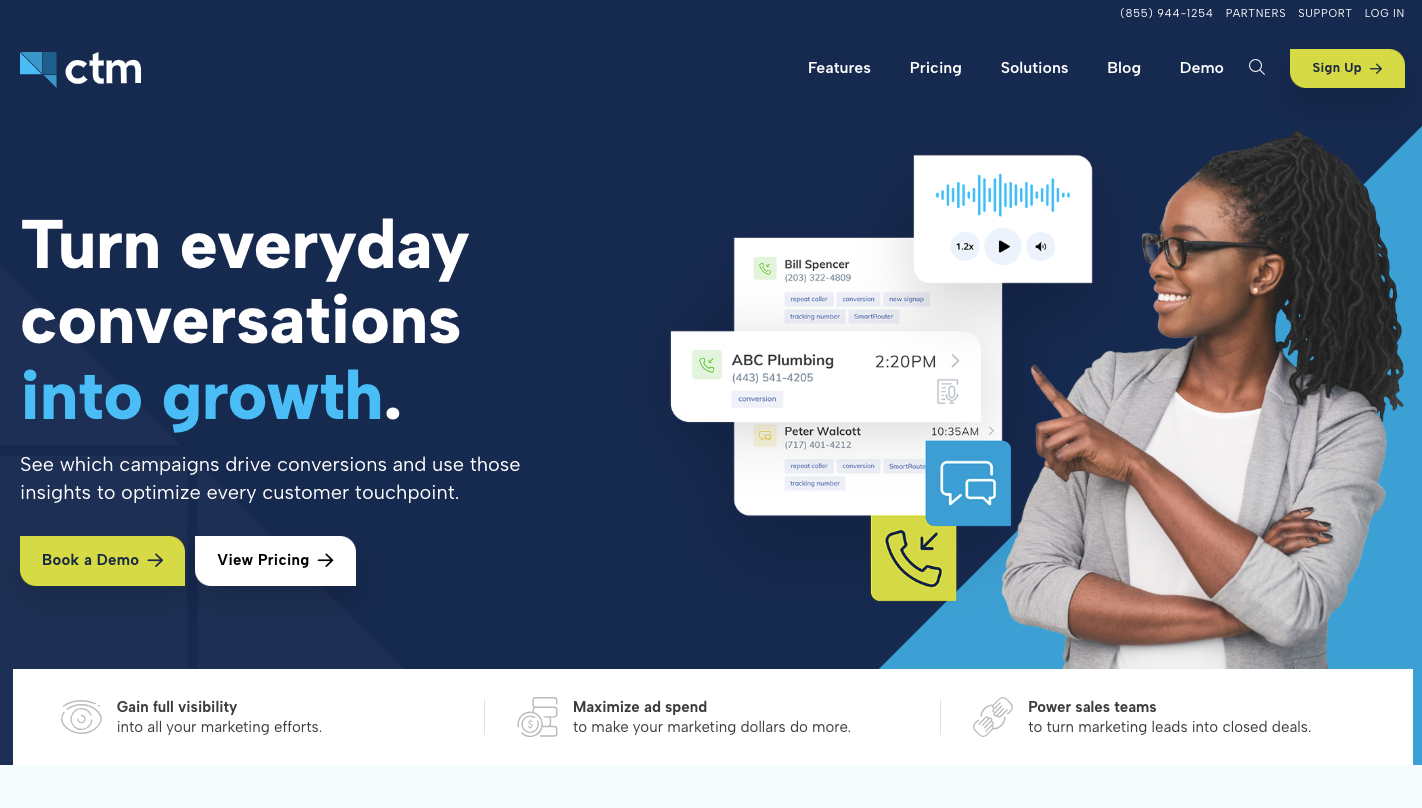
Source: calltrackingmetrics.com
CallTrackingMetrics (CTM) is inbound call-tracking software that links calls, texts, chats, and form submissions to the campaigns that brought them in, so you can see how each lead enters your system.
It is designed to help sales teams work faster by sending calls to the right person based on location, past interaction, or availability. You can also unify all customer communication, like texts, chats, and calls, in one app.
Since it even lets you connect with your customer relationship management tool, your call quality improves since agents get more context before answering each call.
Key Features
- Smart call routing - Routes calls based on rules like location, caller history, or agent availability.
- Dynamic number tracking - Tracks calls by assigning numbers to campaigns, which helps link each call back to a specific source or keyword.
- Omnichannel communication - It combines calls, texts, chats, and form submissions in one place, so you manage every conversation from a single screen.
- AI call analysis - Reviews conversations and highlights key phrases or outcomes, which helps your team understand which calls lead to sales.
- Live call coaching - Managers can use the live “whisper” feature for agent training while they are talking to a lead to improve performance during calls.
4. Invoca: Best for Enterprise Call Intelligence
Source: invoca.com
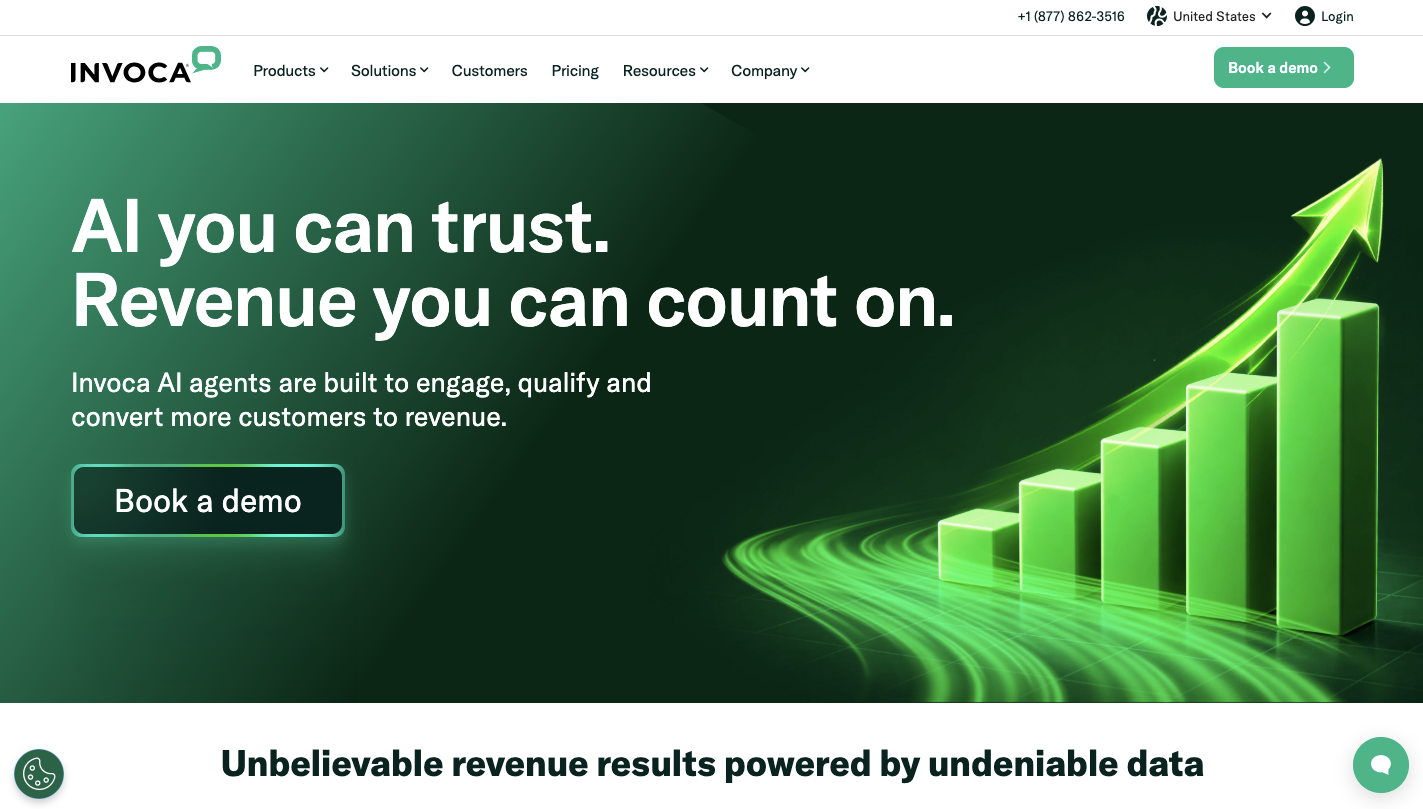
Invoca tracks every step before a call and links it to what happens during the conversation, so you don’t lose visibility once a lead picks up the phone.
When a person calls, the system connects that action back to the ad, keyword, and landing page that started it. From there, Invoca uses conversation intelligence to “listen” to calls and find buying signals.
You can use AI to analyze incoming calls and see if the customer actually bought something or showed strong intent, too.
Over time, you get granular insights into why people are calling and what they need, which helps adjust messaging and targeting. With that data, you can prove that your marketing efforts are working by showing real revenue from every call.
Key Features
- AI conversation analysis - Invoca reviews each call and identifies intent, outcomes, and key phrases.
- Call attribution tracking - Every call links back to its source, including keyword, ad, and landing page, which helps track what drives calls.
- Pre-call data display - Agents see caller history and behavior before answering.
- Revenue attribution - Connects calls to actual sales results, which helps measure return from each campaign.
- Ad platform sync - Data flows into ad tools, which helps improve bidding based on real call outcomes.
- Call recording access - You can review past calls through the reporting suite to check performance, improve scripts, and adjust messaging.
5. WhatConverts: Best for Simple Lead Generation and Tracking
Source: whatconverts.com
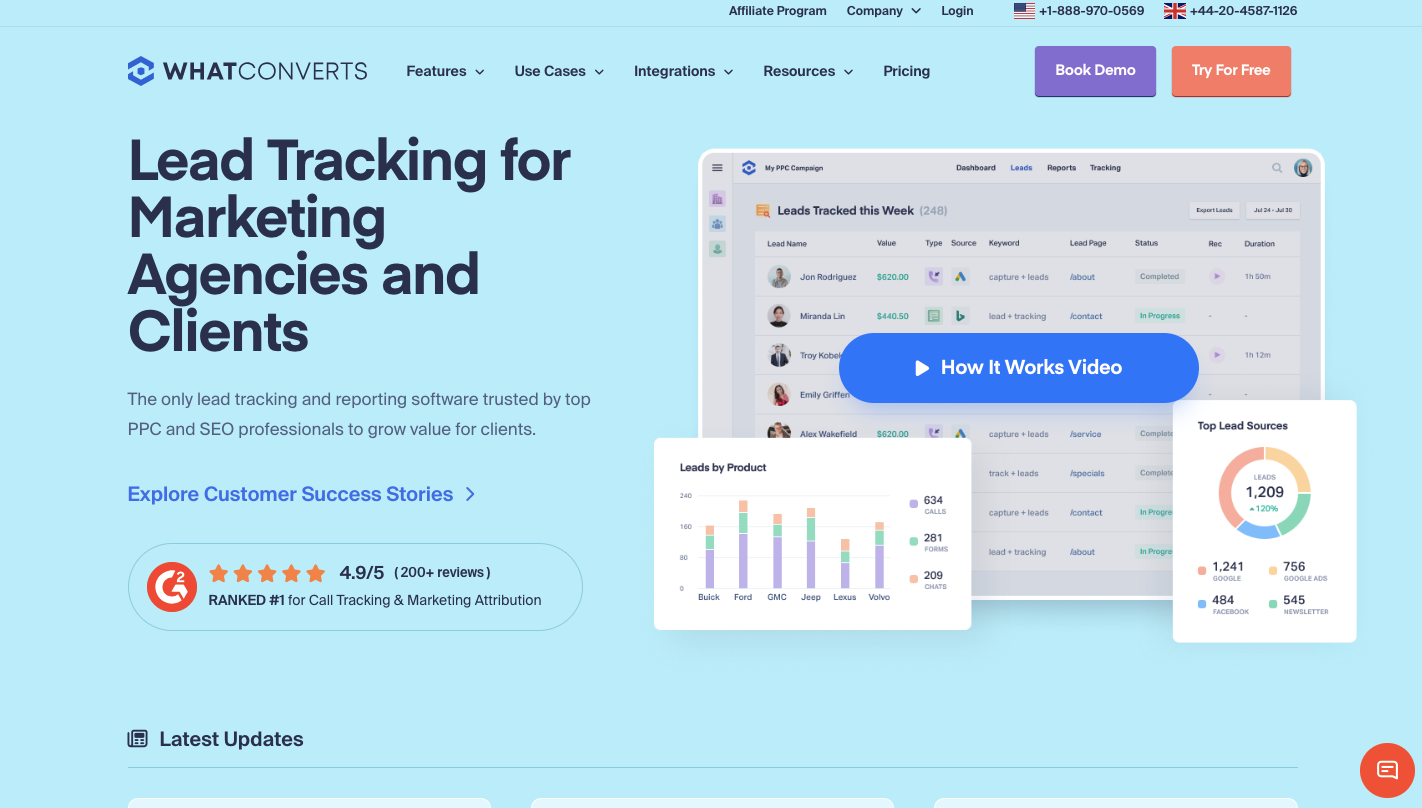
WhatConverts gives you a simple lead tracking feature that anyone can understand, so you can see what is working without digging through layers of reports.
Everything flows into one dashboard. Calls, form submissions, chats, and transactions appear in a single list. You can open any entry and see where it came from, which campaign triggered it, and what the person submitted.
From there, it becomes easy to see exactly how many leads you got from each ad campaign in a simple list.
The dashboard is user-friendly and takes only a few minutes to set up, so any marketing agency can start tracking quickly. You further track which landing page on your site is bringing in the most phone calls, which helps improve conversion rates over time.
Key Features
- Lead manager dashboard - All leads appear in one list, including calls, forms, and chats, which makes it easy to review and sort each entry.
- Automatic form capture - The system collects form data as soon as someone submits it, so you don’t need to map fields manually.
- Call tracking and attribution - Each call links back to its source, keyword, and campaign.
- Quote value reporting - You can assign a value to each lead, helping measure how much revenue each campaign can generate.
- Client reporting tools - Agencies can share reports with clients that show lead counts, sources, and performance in a simple format.
- Dynamic number tracking - Assigns numbers to visitors based on how they found your site.
Grow Your Lead Marketplace With Standard Information
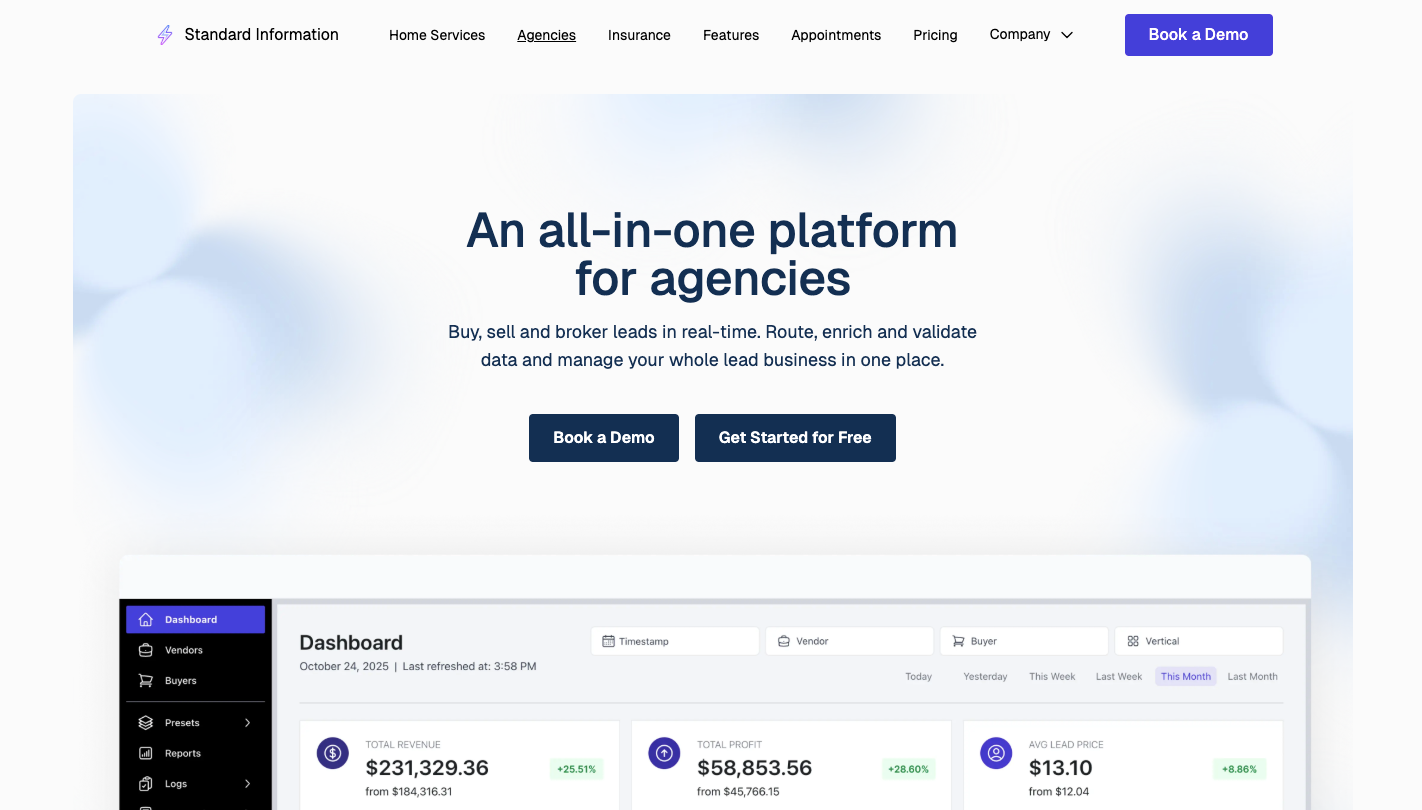
Scaling a lead marketplace requires control over how leads move, who receives them, and how much each one is worth. Standard Information brings all of that into one system, so you don’t have to rely on separate tools.
Each lead goes through a clear process. Validation runs first to remove duplicates and block bad data. After that, enrichment adds more details that help buyers decide faster. Once ready, the system sends the lead to multiple buyers, collects bids, and routes it based on your rules.
You can set pricing limits, control how many leads each buyer gets, and adjust response times. That gives you the ability to protect margins while keeping lead flow steady.
FAQs About Phonexa Alternatives
What are the best Phonexa alternatives?
Standard Information, Ringba, CallTrackingMetrics, Invoca, and WhatConverts stand out as the best options. Each one focuses on a different part of the process, from lead distribution to call tracking and reporting, so the right choice depends on how you handle calls and leads.
Is Phonexa a call tracking software?
Phonexa includes call tracking, but it goes beyond that. It combines call tracking, lead distribution, and campaign reporting into a single system, making it more complex than a basic call-tracking tool.
Which Phonexa alternative is easiest to use?
WhatConverts is often the easiest to use. It focuses on simple lead tracking and shows all data in one dashboard, which helps teams get started fast without a long setup.
How to pick the right Phonexa alternative?
Start by looking at how you handle leads and calls. If you need routing and bidding, choose a platform built for that. If your focus is tracking and reporting, pick a simpler tool.
The right option depends on your workflow, budget, and how much control you need.