If you’re buying or selling leads at scale, tracking isn’t about follow-ups or pipeline stages. It’s about knowing what happened to every lead the second it enters your system.
Did it pass validation? Was it out of geo? Who bought it? What was the bid? Did delivery succeed? Did the buyer dispute it?
Lead tracking software helps you monitor every transaction, enforce rules, and protect your margins while routing leads in real time.
In this article, you’ll find five lead tracking platforms built for lead distribution, ping post auctions, and high-volume lead operations.
TL;DR
Here are the top five lead tracking software that teams use in 2026:
- Standard Information
- Juiced
- LeadTradeX
- LeadExec (by ClickPoint Software)
- Plat
Key Features to Look for in Lead Tracking Software
When evaluating lead tracking tools, features quickly indicate which ones actually help as volume increases. The features you should focus on are as follows:
Lead Validation and Verification
When you buy or sell leads, validation protects your margin. If fake numbers pass through, your sales cycle slows, and your pipeline management view is filled with noise rather than qualified leads.
A proper tracking and lead management system validates data before it reaches your customer relationship management (CRM) or enters the sales process.
Real-time phone and email checks should run the second someone submits web forms. The system should confirm that the number is active and that the mailbox actually exists.
When the same contact appears twice in your database, the tool should flag it before you pay twice for the same prospect data.
Fraud detection protects lead capture from bots that flood your web forms. Consent tracking, on the other hand, proves compliance and protects future closed deals.
Strong validation enables early lead qualification, so you focus only on hot leads.
Ping Post and Bidding Support
Ping post changes how you control profit.
During the “Ping” stage, the system sends limited details to buyers without exposing contact information. Once someone agrees to the price, the “Post” delivers the full data to their CRM software.
Meanwhile, bidding support allows for revenue maximization logic:
- Tier 1: Ping the highest paying Exclusive buyers at $50 per lead
- Tier 2: If unsold, the platform automatically evaluates all eligible buyers and posts to the highest revenue-generating or best-fit account. If unsuccessful, it retries or routes to a backup buyer account until sold.
- Tier 3: If still no one buys, send it to your internal team
This way, you protect inventory and support pipeline management without wasting new leads.
Routing Rules
Routing rules decide where data flows after validation. Your lead tracking system should check geography, time of day, and buyer caps before sending anything forward.
Then, caps prevent oversending. If a buyer accepts ten per day, the system tracks that limit. When capacity ends, routing shifts to the next option automatically.
Leads submitted outside business hours may route differently depending on availability. Advanced filters refine delivery using credit score, income, or custom rules. That logic keeps deal tracking clean and avoids clogging the sales cycle with mismatched contacts.
Buy and Sale Price Tracking
Price tracking connects cost and revenue inside one dashboard. The system logs the buy price the moment you accept a record and logs the sale price once delivered. Margin appears instantly, which gives you clear insight into profitability.
Fixed pricing works for stable campaigns. Dynamic pricing adds flexibility when quality changes. High score entries might sell for more, while lower-quality data sells at a discount.
Revenue reports tie everything together. You can compare suppliers and see which marketing platforms send profitable traffic. Predictive analytics then highlight patterns tied to closed deals, which helps you prioritize leads and shift budget toward stronger sources.
Reject Reason Codes
Reject reason codes explain why something failed. Instead of seeing a simple rejected label, you see:
- “Duplicate codes” protect the margin by blocking repeat charges
- “Out-of-geo” shows unmet demand and reveals where you need new buyers
- “Cap reached” signals that your flow exceeds the current capacity
- “Invalid data” highlights poor sources
These codes feed reporting and improve lead scoring accuracy over time. When you review patterns, you refine filters and protect the entire sales process from avoidable losses.
Top 5 Lead Tracking Software Solutions in 2026
These are the five leading software you should try to drive more leads through your sales funnel:
1. Standard Information
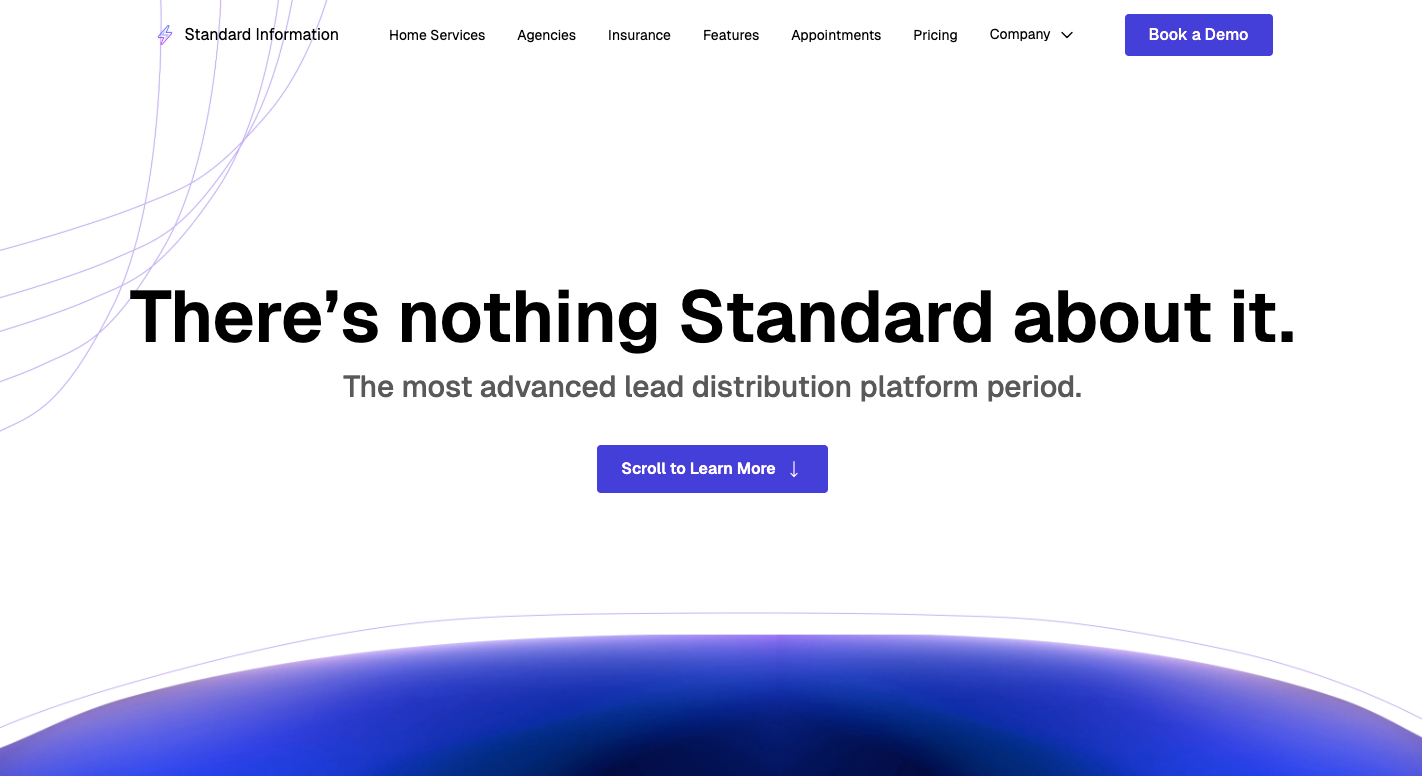
Standard Information tracks the full lead transaction lifecycle from intake to validation, routing, delivery, and sale. However, it doesn’t behave like a typical CRM system.
For lead tracking, it covers the full transaction record of each lead. You can see how many leads came in, how many were accepted or rejected, which ones were purchased or sold, and the exact buy and sale price tied to each record.
It can also log why a lead failed, whether due to invalid data, duplication, or geo mismatch, and manage the routing and delivery to buyers or connected systems.
It tracks the health of lead data before it enters your system to prevent dirty data from reaching sales reps, so you save hours of cleanup later. You can even direct leads to the right buyer or sales team based on custom rules, such as geography, lead score, or capacity.
Even with advanced features, it still maintains an intuitive interface.
Key Features
These features show how Standard Information assists you in lead distribution:
Real-Time Ping Post Distribution
When a lead is captured, Standard Information pings multiple potential buyers at the same time using partial details like zip code or credit score. Buyers respond with bids in milliseconds.
It then posts the full record to the highest bidder automatically. That process prevents lead waste and increases value per record.
Lead Validation and Quality Controls
Every record passes through validation before routing. Phone numbers, emails, duplicates, and compliance checks run immediately.
Bad data stops early, which protects buyer trust and keeps sales reps focused on usable traffic.
Custom Routing Logic
Routing adapts to your business rules. Leads move based on location, buyer caps, time windows, or scoring thresholds. You control pacing and volume, so no buyer gets overwhelmed and no opportunity sits idle.
AI Call Center and Appointments
Standard Information manages live calendars and call routing. Appointments are booked automatically for inbound or outbound calls, which helps you respond on time.
No-Code Integrations
Records are sent to CRMs or other tools through webhooks, email, or SMS. No engineering work required.
Book a strategy call to receive a tailored quote based on usage and setup requirements!
2. Juiced
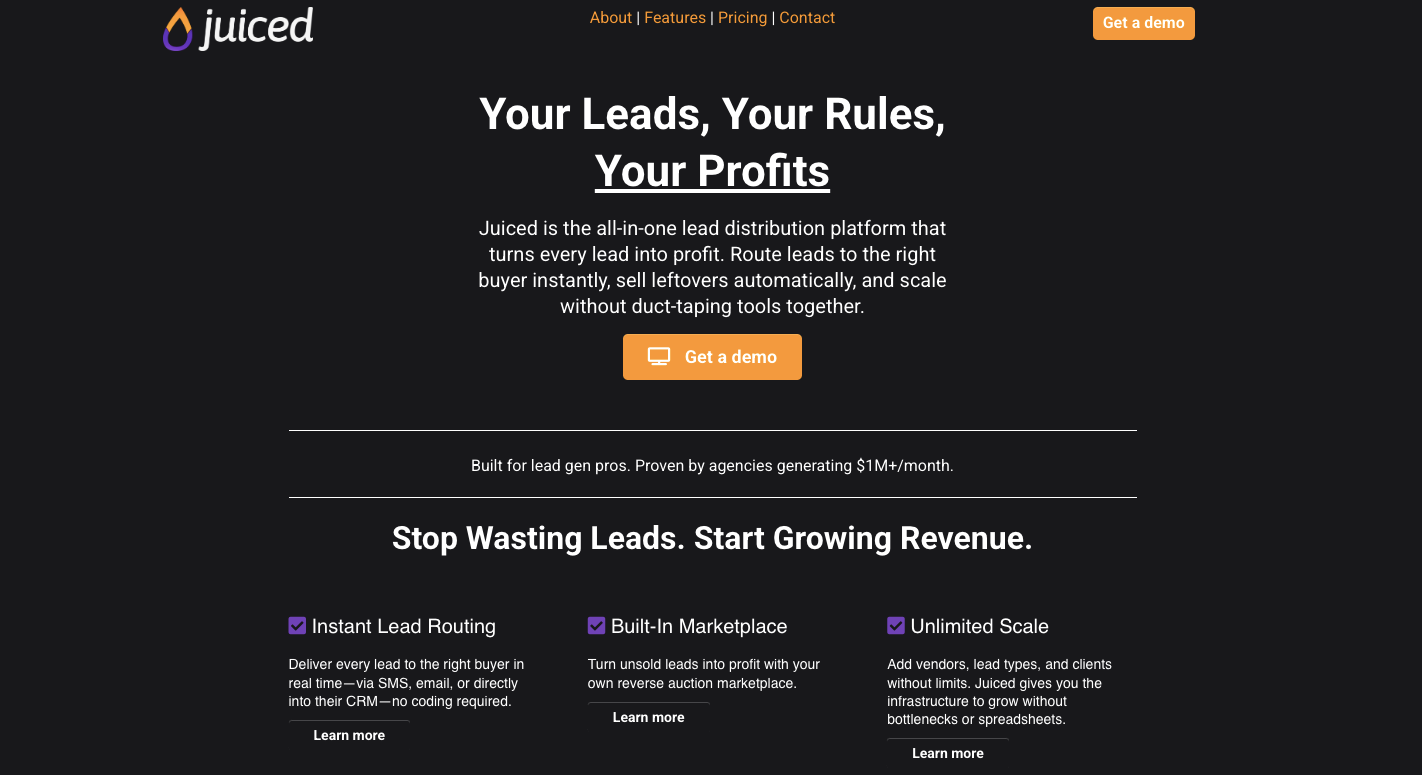
Image Source: usejuiced.com
Juiced is created for lead arbitrage, which means the process of buying a lead for X and selling it for Y, or managing massive internal lead flow to make sure no garbage leads waste your money.
The moment a lead is submitted on a form, the software catches it via application programming interface (API) or Webhook. It assigns a unique ID and logs the source, timestamp, and financial details.
You can see exactly which affiliate or campaign generated that lead and what you agreed to pay for it. From there, Juiced tracks whether it passes validation, where it gets routed, and what price it sells for.
It further gives you operational control to manage leads from multiple sources.
Key Features
- Ping post routing - Sends partial data to buyers first, confirms interest, then delivers full lead data once a bid is accepted.
- Geo filtering - If the buyer only wants leads from California and the lead is from Texas, the software automatically rejects it as “Out of Geo.”
- Deduplication rules - Checks phone numbers and emails against prior submissions to block duplicates.
- Buy and sale price logging - Records what you paid and what you sold the lead for in real time.
- Caps and throttling - Tracks how many leads a buyer has purchased and stops delivery once limits are hit.
- Dispute tracking - Logs invalid or rejected leads and calculates dispute rates by source.
- Profit dashboards - Juiced provides a high-level view of the “buy price” vs. “sale price” so you can see margin by source instantly.
- Delivery logging - Tracks whether each lead successfully reached the buyer’s system.
3. LeadTradeX
Image Source: leadtradex.com
LeadTradeX is a cloud-based lead management system (LMS) that tracks transactions, routing logic, and validation outcomes.
When a lead is generated, LeadTradeX sends partial information, such as “Zip Code” and “Age,” to buyers first. Buyers respond with bids, and those bids get logged with timestamps and prices.
Once the highest bidder is confirmed, the system posts the full contact data and records both sides of the transaction. It records the “Buy Price” from the source and the “Sale Price” to the buyer in one line item, showing your instant margin.
Each record keeps the original lead source attached so you can measure partner quality and volume trends. Built-in contact management also supports record keeping.
Key Features
- Ping post audit trail - For every lead, the system logs which buyers “Pinged” and which ones “Posted” so you can review every bid and delivery step.
- Response logging - Tracks the response message from the buyer’s system. If rejected, the reason appears clearly, such as “Duplicate,” “Bad Phone,” or “Daily Cap Reached.”
- Buy and sale ledger - Stores the buy price and the sale price in one record to calculate profit automatically.
- Geo and buyer filters - Applies routing logic before delivery and reroutes when criteria aren’t met.
- Validation integrations - Connects to fraud and compliance tools to block invalid entries before they count as sold.
- Performance dashboard - Displays inbound totals, reject rate, and margin by lead source in real time.
4. LeadExec (by ClickPoint Software)
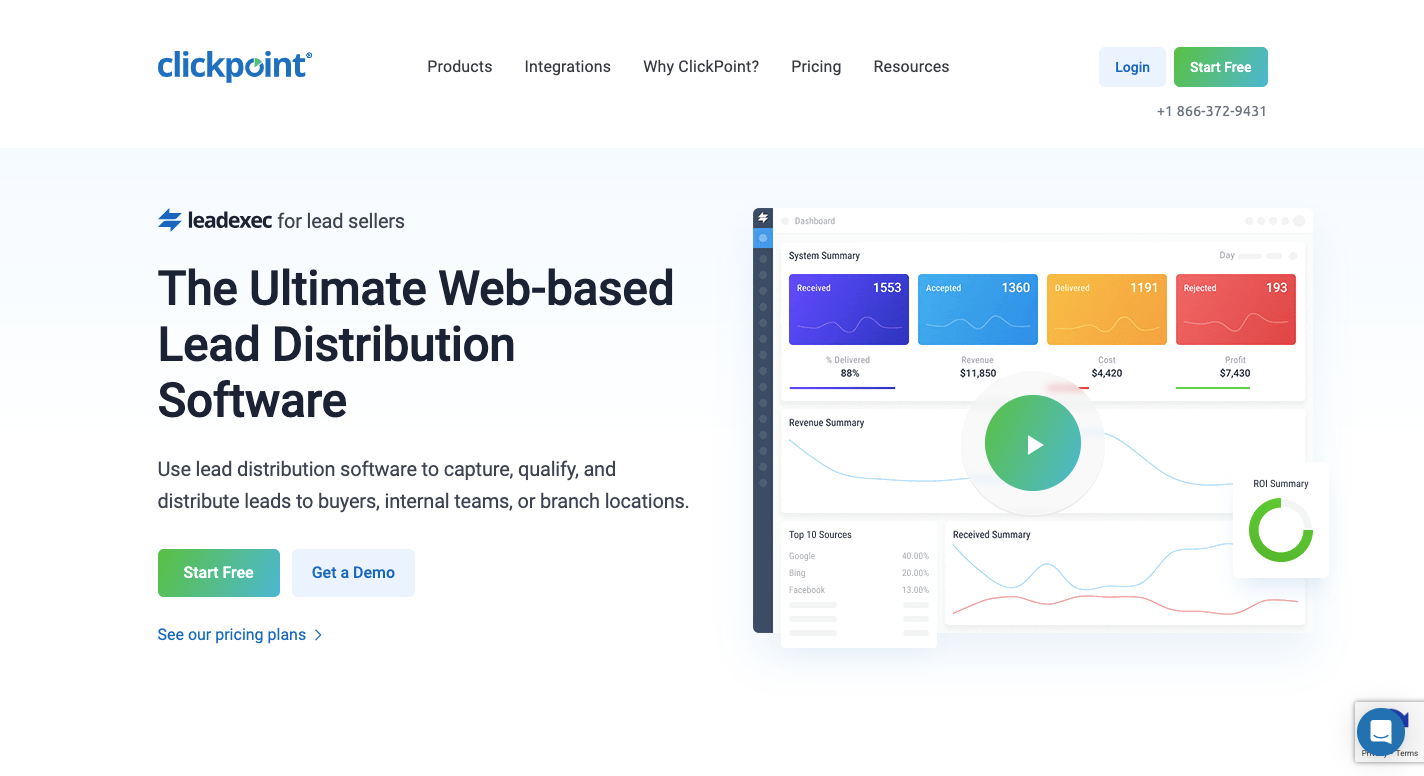
Image Source: clickpointsoftware.com
LeadExec is an enterprise distribution platform for companies whose product is the lead itself. Compared to other lead management tools that focus on pipeline views, it manages the transaction layer and implements your full lead management process.
Tracking begins the moment a lead hits your system. Source, agreed cost, and consent data get logged instantly. You can set rules to automatically flag leads as “Invalid” or “Out of Geo.”
Let’s say a lead comes in with a 555 phone number or a zip code outside your buyer’s contract. LeadExec logs it as a “Reject” with a reason code so you can show suppliers exactly why you didn’t pay.
After a lead is deemed “Valid,” LeadExec tries to sell it. It tracks the recipient who bought it. It records the sale price and confirms delivery to the buyer’s CRM.
When a buyer disputes a lead as fake, LeadExec tracks the refund and can automatically charge back the affiliate who sent it.
Key Features
- Transaction logging - Records buy cost, sale revenue, and delivery confirmation for each lead ID.
- Ping post management - Sends partial data first, logs bids, and delivers full data to the highest qualified buyer.
- Geo and data filters - Applies automated rules to reject or reroute leads that fail territory or data checks.
- Dispute reconciliation - Tracks buyer disputes and ties them back to the original seller for quality control.
- Integration paper trail - Since LeadExec manages the connection to the CRM or validation systems, it keeps a paper trail for every lead with logged API responses.
5. Plat
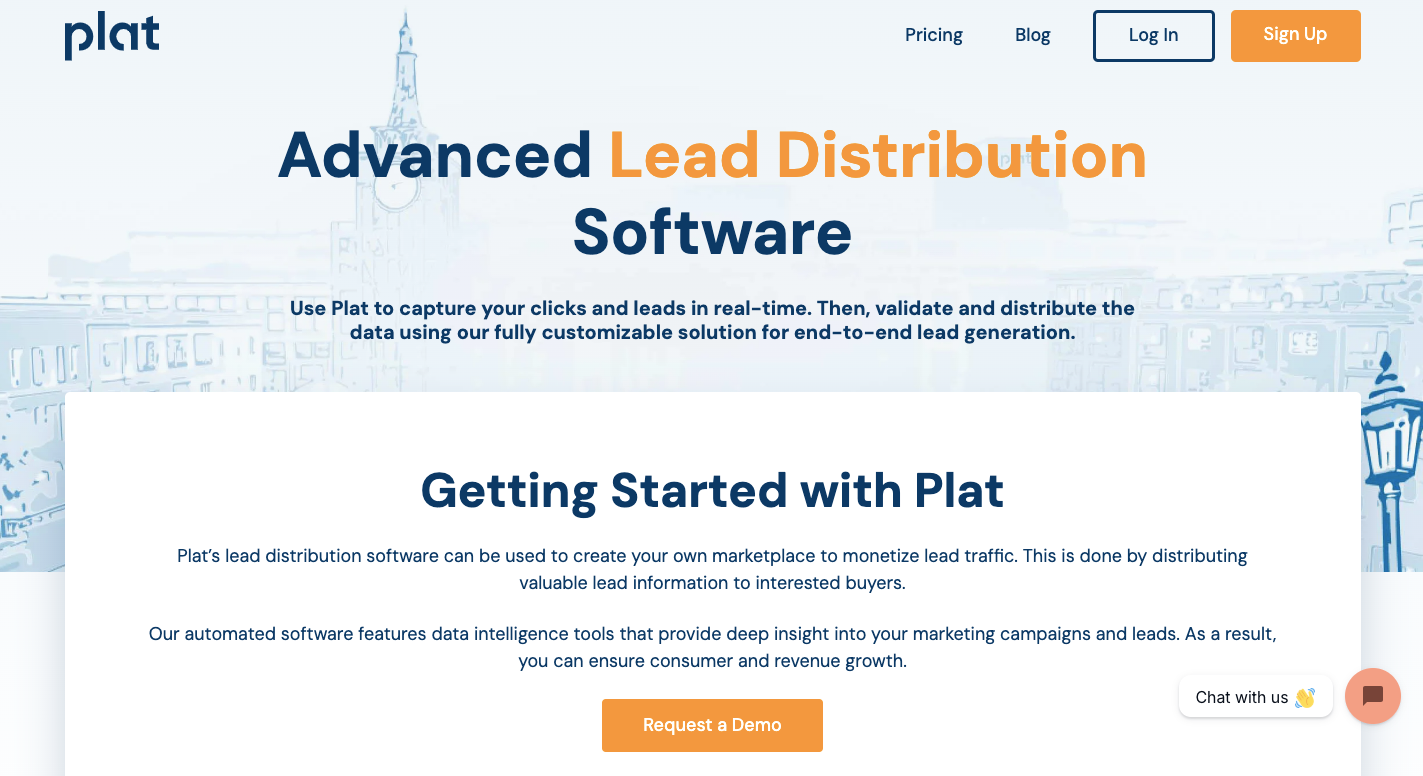
Image Source: plat.com
Plat is a lead valuation and distribution platform for high-volume industries where thousands of leads move every hour. It evaluates whether that lead is worth buying before money changes hands.
During the “Ping” phase, Plat reviews anonymized data and checks whether buyers are willing to pay more than the asking price. If the spread doesn’t make sense, the system marks it as a pass instead of forcing a bad purchase.
Validation checks run instantly, including geo rules and fraud signals. Leads that don’t fit the territory or compliance standards are flagged before purchase.
Once a lead moves forward, Plat logs the buy price, the sale price, and the delivery status under one ID. It keeps customer data organized without trying to act like a traditional sales pipeline tool.
You can focus on routing high-quality traffic to the right prospects and protecting your margin.
Key Features
- Real-time ping post analytics - Logs every “Ping” request and “Post” delivery so you can see match rate and bid outcomes clearly.
- Predictive quality scoring - Uses machine learning to assign a score based on past performance so you know which leads are likely to perform before buying.
- Validation and fraud detection - Integrates with consent and data verification tools to flag invalid, duplicate, or suspicious entries.
- Advanced filters - Applies territory and buyer rules automatically and reroutes when caps or restrictions apply.
- Financial ledger - Tracks buy price, sale price, and net spread for each lead ID.
- Post-backtracking - Matches buyer conversion feedback to the original lead and lead source, so you can see which partners generate revenue.
Improve Your Close Rates With Smarter Lead Distribution From Standard Information
Too many sales leads reach your team before they are ready, verified, or routed correctly.
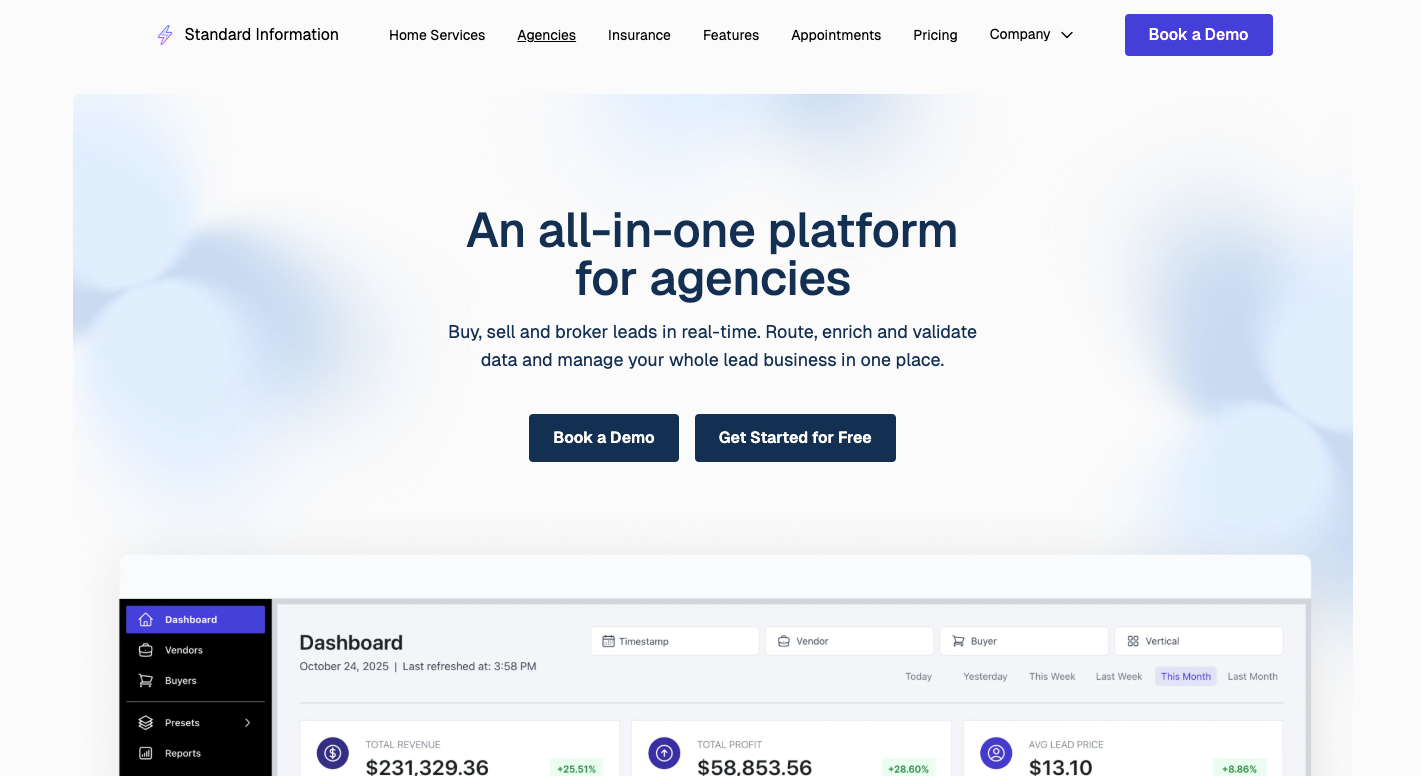
Standard Information fixes that problem at the source. It manages validation, enrichment, routing, and distribution, so only usable opportunities move forward.
Routing occurs instantly based on logic that matches how your business actually operates. Buyers receive the right opportunities at the right moment, which keeps response times low and intent high.
As volume grows, more advanced features handle auctions, caps, bidding rules, and real-time reporting.
Turn high-intent leads into revenue automatically. Explore Standard Information today!
FAQs About Lead Tracking Software
What is the best way to track leads?
The best way to track leads is to assign a unique ID to each record as it enters your system, and log its source, validation result, routing path, buy price, sale price, and final status.
You should connect results back to each email marketing campaign so you know which lead generation sources produce high-quality leads.
What is lead tracking software?
In lead operations, lead tracking software monitors potential customers as financial and routing records. It logs where they came from, whether they passed validation, who received them, and what revenue they produced during the customer journey.
Which is the best lead management software?
The best lead management software depends on volume and complexity. Large-scale operations benefit from platforms like Standard Information, while smaller teams may prefer simpler tools.
What is a CRM for leads?
A CRM solution for leads focuses on storing contact data and helping teams nurture leads through follow-up. An advanced CRM centers more on communication than transaction control.
What are the benefits of having lead tracking software?
It helps boost conversion rates by routing the right prospects faster, protects margin by blocking invalid entries, ties data to paying customers, and gives small businesses visibility into lead nurturing without relying on other apps.