A lead comes in, then your team has to figure out what to do next.
Who should call? Is the data even correct? Has this person already filled out a form before?
Those small questions slow everything down. While your team figures it out, the lead moves on.
A lead management system (LMS) handles those steps for you. It checks lead data and sends sales leads to the right place right away.
In this article, you’ll learn the top five lead management software for small businesses.
TL;DR
These are the top five lead management software for small businesses:
- Standard Information
- LeadByte
- Phonexa
- LeadsPedia
- LeadAngel
Why Small Businesses Need Control Over Lead Management Tasks
Control over lead flow decides how fast leads move, who handles them, and how much value you get from each one.
Multiple Sources
Small businesses often deal with fragmented data from sources like Google Ads, Facebook, and local vendors. Each source sends data in a different format, which creates delays when your team tries to sort it by hand.
When you automate lead capture from any digital channel, you stop losing valuable data, and everything enters one system. A setup that pulls data directly from your web forms, for instance, feeds your routing engine right away.
You can further scale your lead generation by connecting every campaign to one hub, then using marketing automation to sort traffic before it reaches your staff. Tagging new leads by source helps you see which campaigns work.
Handling multiple leads at once requires a system that processes each lead and submits action without pause, so you can track all marketing activities and improve results.
Different Buyers or Teams
Once leads enter your system, routing decides who handles them and how fast they act. A strong setup keeps your sales pipeline moving by sending each lead to the right desk.
You can set up Tier 1 buyers who get the first look at premium leads, while Tier 2 buyers receive the rest. That structure protects your top channels and keeps volume balanced.
Better pipeline management prevents overload by limiting how many leads each group receives. Assigning leads to sales representatives based on territory keeps your team organized and supports steady daily sales.
A focused sales team performs better when they don’t search for data or guess who to contact. Clean routing helps your sales staff stay active with live prospects.
When you manage leads with clear rules, you can direct your sales efforts toward high-performing groups and close more deals.
Varying Lead Quality
Not every lead shows the same level of interest, so you need a way to filter quality before your team acts.
A system helps marketing and sales teams manage these leads that come through their pipeline by checking each one at the start. Every lead should be verified for working phone numbers, valid email formats, and accurate details before it moves forward.
Before a lead reaches a customer relationship management (CRM) system, the platform checks for duplicates or fake contact data. Cleaning your customer data early prevents your records from becoming messy and protects your time.
After validation, you can use lead scoring to separate serious buyers from casual visitors. Systems that prioritize leads help you focus on high-value prospects first.
Sending only qualified leads to your closers reduces wasted effort and helps convert prospects faster.
Lastly, organizing your prospect data helps you spot patterns and adjust your approach over time.
Top 5 Software Solutions to Simplify Your Lead Management Process
Here are the top five options, so you will find the right lead management software for you.
1. Standard Information: Best for High-Volume Lead Routing and Real-Time Distribution
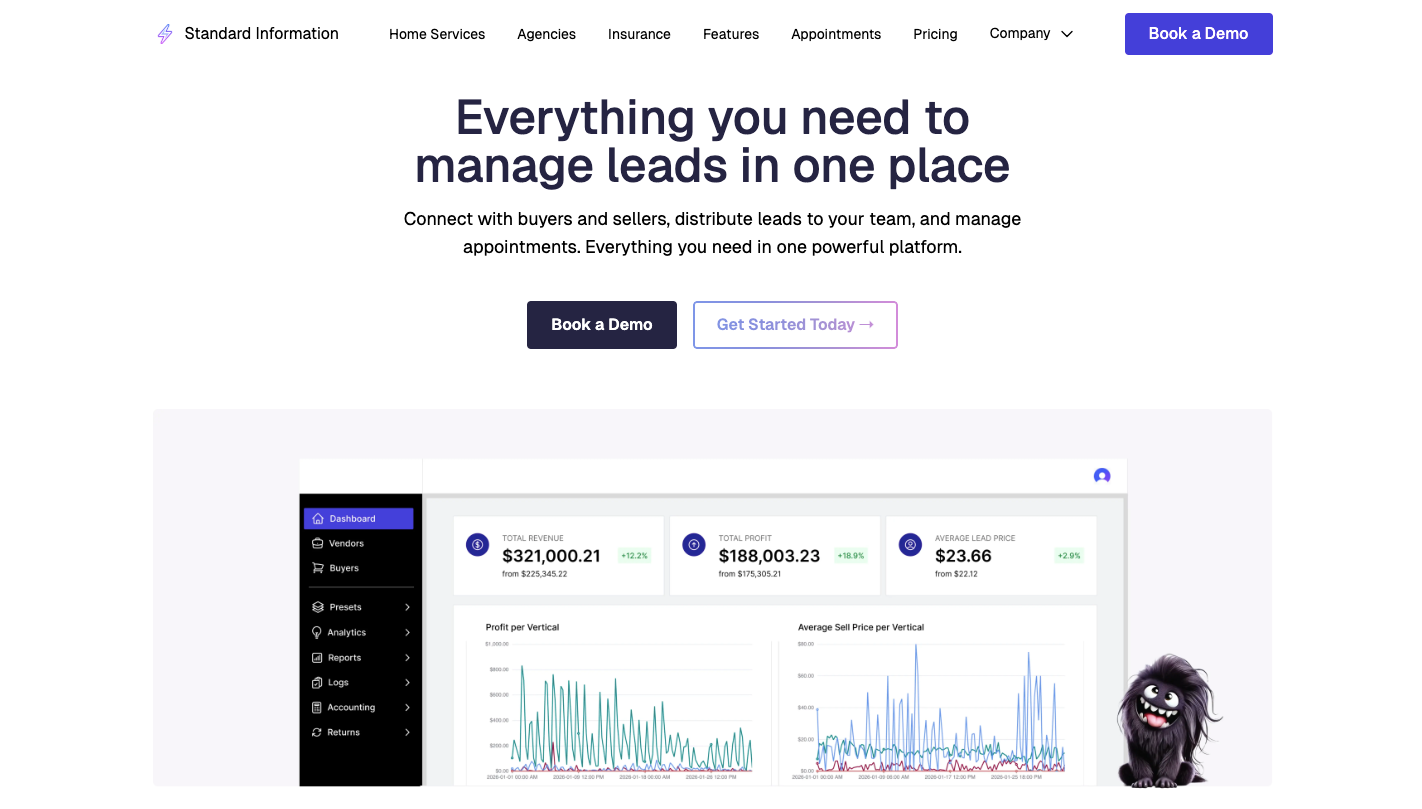
Standard Information focuses on effective lead management by moving, validating, and assigning value to leads before anyone touches them.
Lead data enters through API, webhook, or direct post. A built-in mapper lets you match fields without coding, which keeps your setup flexible as you grow.
Validation runs immediately after intake. Phone numbers are checked for activity, emails are verified, and duplicates are removed before your sales reps ever see them. That step protects your budget and keeps your team focused on real potential customers.
After validation, the system runs a ping post auction. Partial lead details go out to buyers or internal teams, bids come back within seconds, and the highest value option wins.
Strong routing also supports accurate deal tracking, since every action gets logged from entry to delivery.
Key Features for Lead Management
- Lead ingestion and mapping - Data comes from multiple sources and gets mapped.
- Lead validation and filtering - Each lead goes through checks for duplicates, fake numbers, blocked contacts, and compliance lists before it moves forward.
- Ping post auctions - Partial lead data goes to multiple buyers, bids return within seconds, and the system routes the lead to the highest-value option.
- Real-time lead routing - Leads move to buyers or internal teams based on rules like location, score, or capacity.
- Lead buying and selling - You can buy leads from vendors or sell them through campaigns that adjust pricing based on demand and quality.
- Advanced filters and scheduling - Campaigns can run on specific days, hours, or volume limits.
- AI call center integration - Automated booking and call handling allow you to capture opportunities at any hour.
- Data enrichment tools - Third-party apps add extra details to leads, which improves targeting and decision-making.
- Custom notifications and delivery - Leads can be sent through email, SMS, or webhook with templates that include key details for faster follow-up.
- Reporting and logs - Full visibility into the entire process lets you track leads from entry to payout and identify sources that bring better results.
2. LeadByte: Best for Nurturing Leads and Validation
Source: leadbyte.co.uk
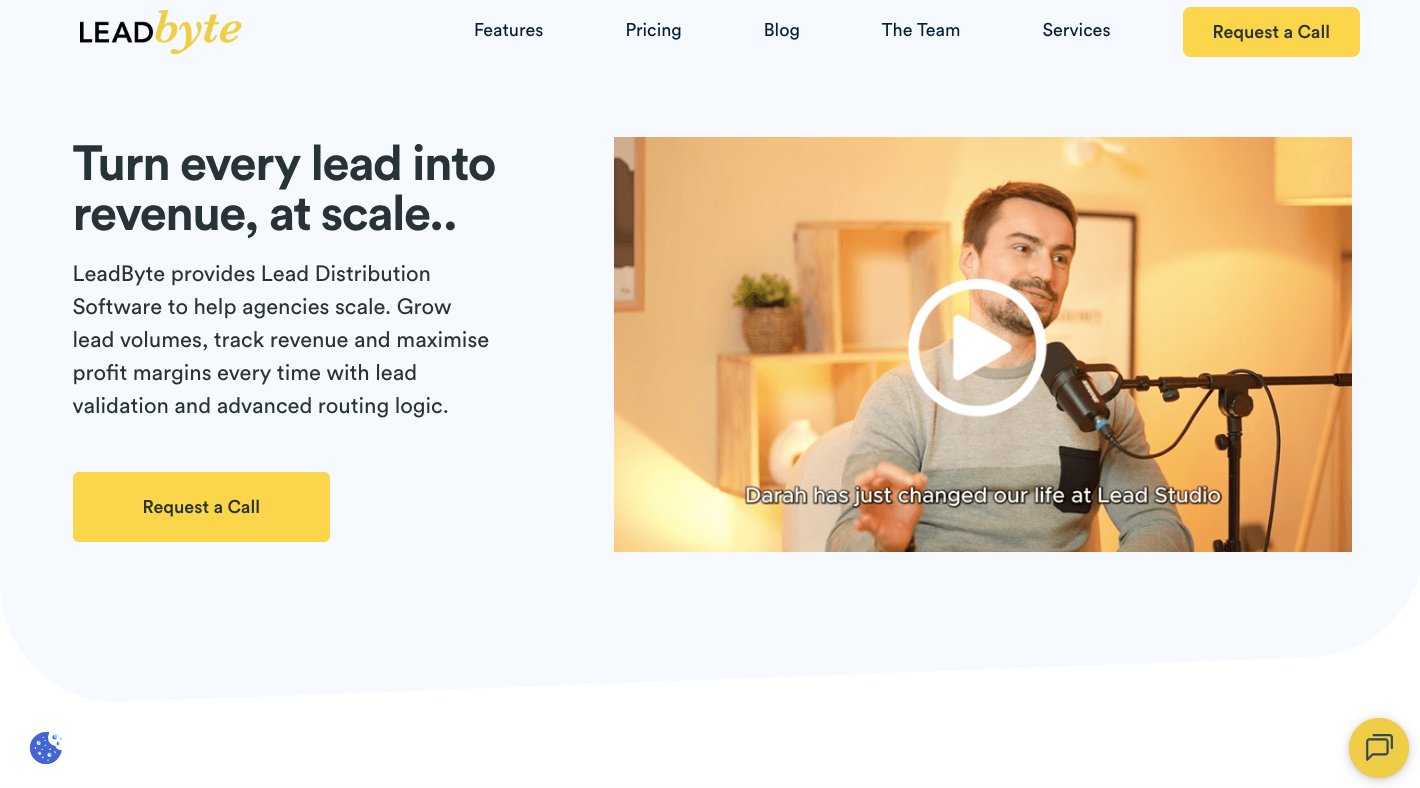
LeadByte filters bad leads fast, then keeps good ones active until they convert.
Small businesses often collect data from web forms, ads, and vendors, yet they don’t have a system that checks quality before sending it to the sales team. LeadByte fixes that by validating every lead the moment it enters.
It checks if emails can receive messages, confirms phone numbers connect to a network, and blocks duplicates before they reach your team.
You can also use SMS marketing to send a text the moment a form is filled out, while scheduled email marketing keeps your brand in front of the lead for weeks. Making timely follow-ups makes sure you reach prospects before competitors.
With consistent contact, you can convert prospects into long-term buyers and turn inquiries into paying customers.
Key Features for Lead Management
- Real-time validation - Checks each lead as soon as it enters, verifies email delivery, confirms phone activity, and blocks invalid entries before they reach your sales team.
- Duplicate detection - Scans incoming data and compares it with past records to stop repeated entries, which protects your budget and avoids contacting the same person twice.
- Automated follow-ups - Send messages right after a lead comes in, then continue contact through scheduled steps that keep the lead engaged over time.
- Lead routing - Once a lead passes validation, the system routes it to your CRM, call center, or buyer based on rules such as location or availability.
- Nurturing sequences - Leads that are not ready to buy move into email and message flows that guide them until they show stronger intent.
- Email integration - All conversations stay in one place, which helps your team track replies without switching between tools.
- User-friendly interface - A simple layout helps small teams start fast, adjust rules, and manage leads.
3. Phonexa: Best for Multi-Channel Lead Distribution and Call-Tree Auctions
Source: phonexa.com
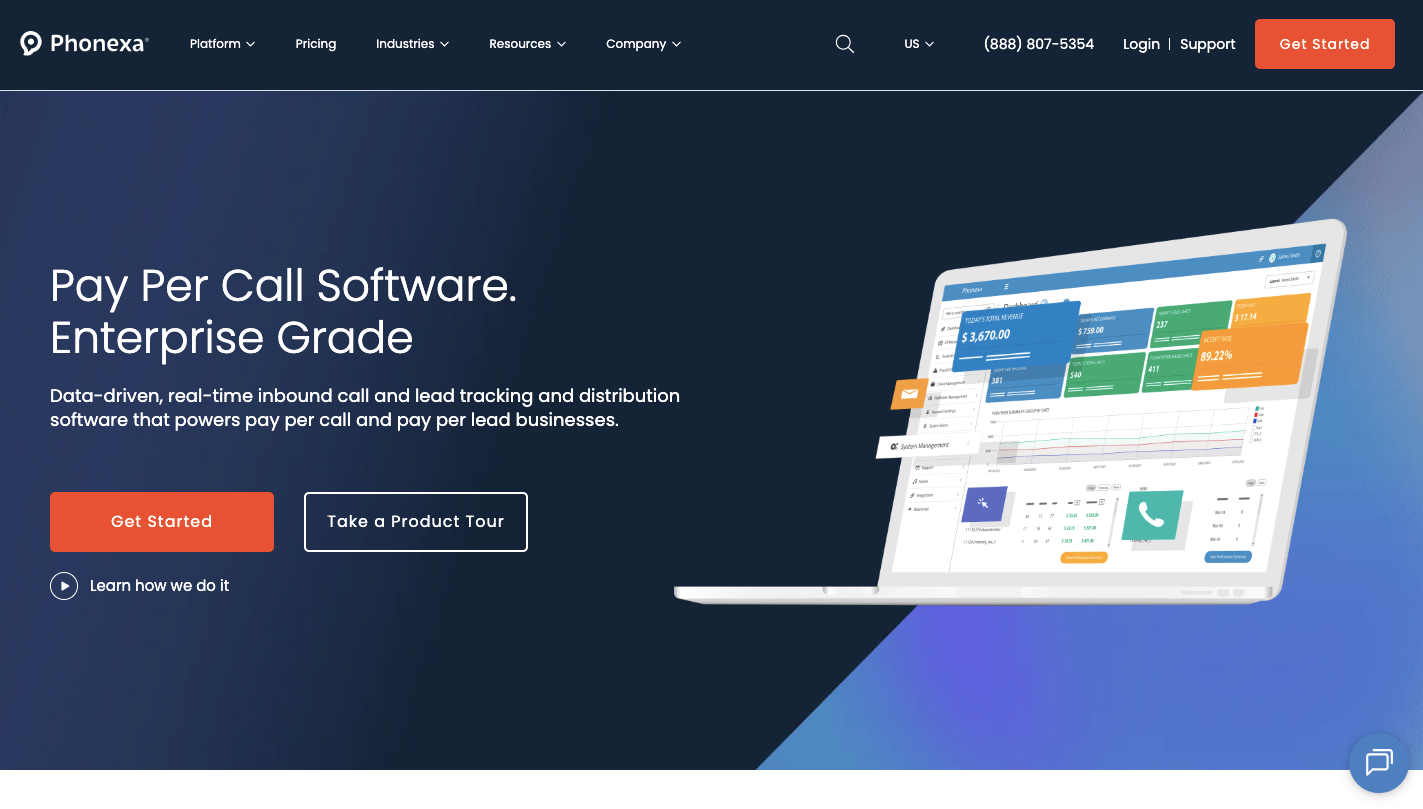
Phonexa connects web leads and phone calls in one system.
Typically, you track form fills and calls separately, but that split view hides what actually drives results. Phonexa links both paths so you can manage every stage of your sales funnel for both web and phone traffic.
A lead might click an ad, visit your site, then call your number. Phonexa tracks the entire path so you can see the customer journey from the first click to the final call.
Let’s say a call comes in. The system routes it based on rules like location or availability. You can send secure payment links to close the deal right over the phone, too.
The platform records all sales activities and keeps everything organized in one place. Centralizing your content management even helps keep your messaging consistent, whether the lead comes from a call or a form.
Key Features for Lead Management
- LMS sync - Captures leads from web forms, checks the data, and sends each record to the right team without delay.
- Call routing - Incoming calls go through a guided menu that qualifies the caller before sending them to the right person based on rules you set.
- Call auctions - The system can offer live calls to multiple buyers or teams, and that competition helps you boost conversion rates instantly.
- Cloud phone system - You can track call time, record conversations, and review performance without needing physical phone hardware.
- Automated messaging - Sends texts or emails right after a lead comes in, which keeps contact active while interest is still high.
- User behavior insights - Session recordings and heatmaps show how users interact with your pages.
4. LeadsPedia: Best for Affiliate and Performance Network Management
Source: leadspedia.com
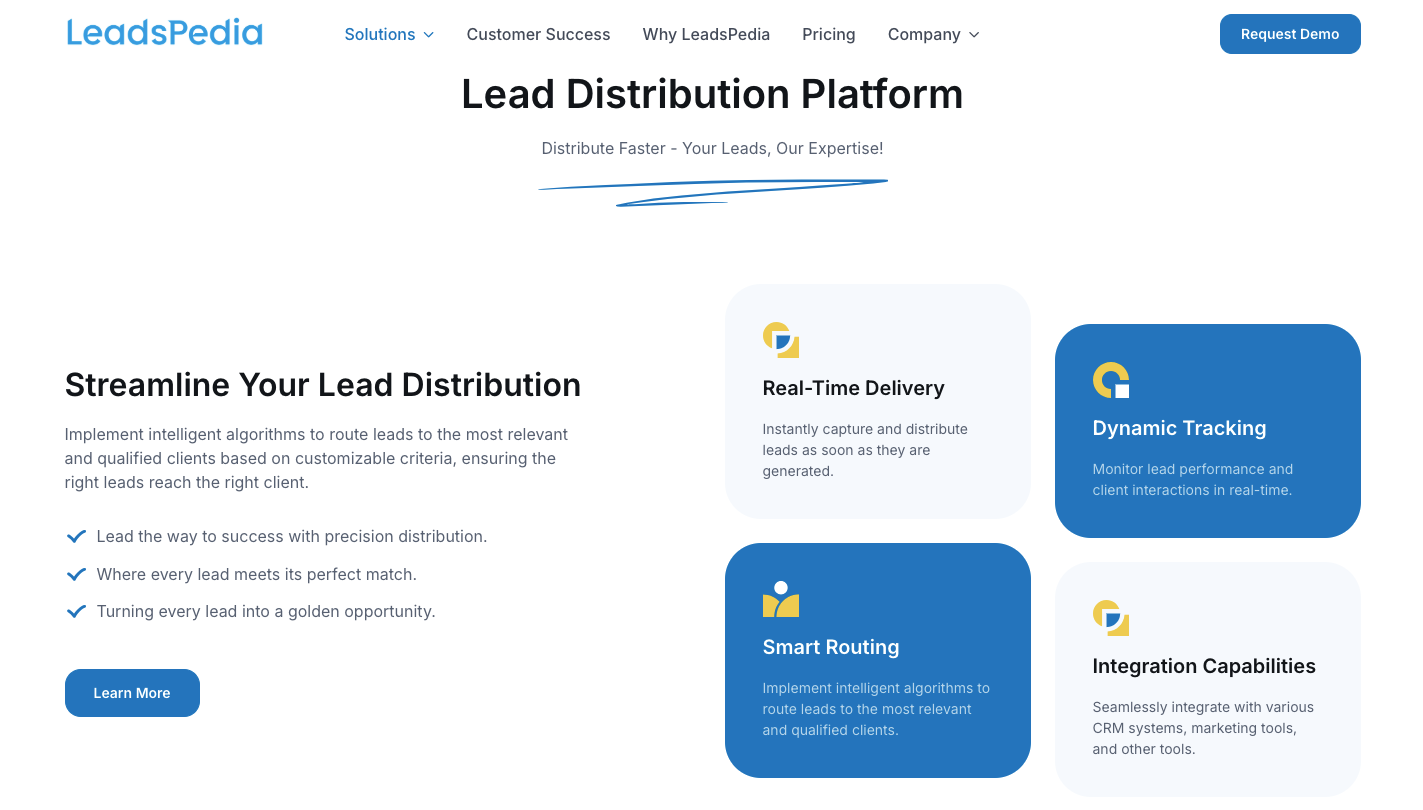
LeadsPedia works as a lead management tool that connects affiliates, buyers, and your internal team in one place.
Partners can generate leads by using custom tracking links tied to specific campaigns or landing pages.
Each lead flows into one system where it gets checked, routed, and recorded. You can then use lead tracking to see which affiliate is sending the best traffic and which ones bring low-quality data.
It can handle lead management tasks like billing partners, tracking payouts, and creating reports.
Expert customer support helps you set up more complex rules when your setup expands. And compared to other lead management tools, it focuses on partner trust and transparency.
Key Features for Lead Management
- Unified partner and lead system - One dashboard connects affiliates, buyers, and your team, so no need to switch between tools, and keeps all data in one place.
- Custom tracking links - Each partner receives a unique link that records where every lead comes from.
- Ping post routing - Leads move through a bidding process where buyers compete, then the system sends the lead to the best option based on price or rules.
- Fraud detection - Built-in filters check for fake traffic, duplicate entries, and blocked users before leads reach your system.
- Call tracking and routing - Incoming calls connect to the right buyer or team based on location or availability.
- Automated billing and payouts - The system calculates partner earnings and buyer costs, then creates reports and invoices.
5. LeadAngel: Best for Complex Lead-to-Account Matching
Source: leadangel.com
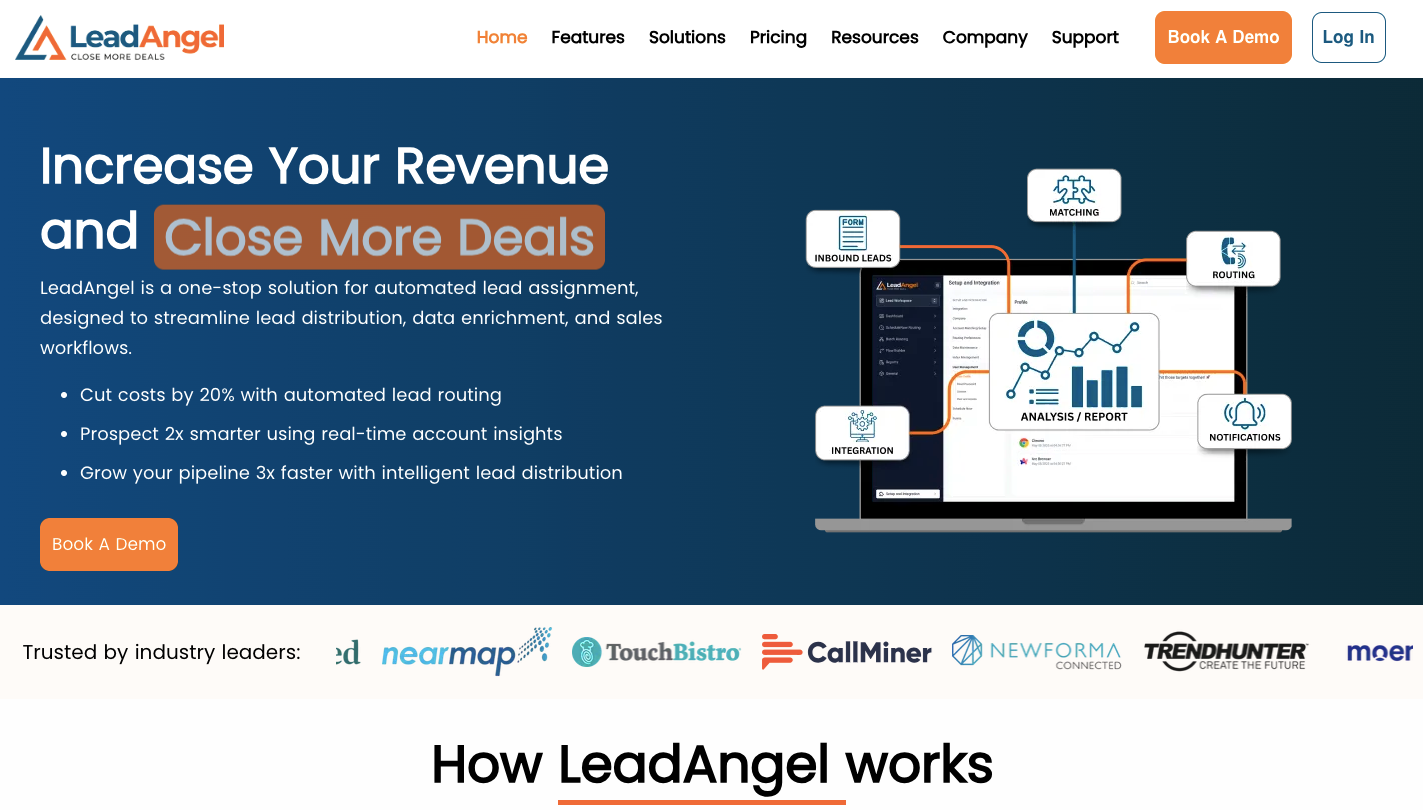
LeadAngel handles a problem many growing teams face.
Leads come in, but ownership stays unclear, and duplicate records start to pile up. A basic CRM solution stores data, but it does not address routing or ownership. LeadAngel connects to your CRM to prevent duplicate data from entering and keeps records tied to the right account.
Incoming data goes through matching first. Company names, email domains, and past records get compared to link new entries to existing contacts.
Advanced contact management links new people to existing accounts automatically, which prevents overlap between reps. A drag-and-drop builder lets you map sales territories and define ownership rules.
You can also sync it with a free CRM to get enterprise-level routing for less.
Key Features for Lead Management
- Account matching - New entries get compared with existing records to link them to the correct company.
- Territory mapping - A visual builder helps assign regions and accounts, and the drag-and-drop setup makes changes quick.
- Ownership rules - Clear routing rules decide who handles each account, which keeps the sales process structured and avoids confusion between reps.
- Task creation - When a match happens, the platform can create tasks for reps, so you keep follow-up consistent and prevent missed steps.
- Pipeline visibility - You can visually track leads through each stage.
- Advanced distribution - As your team grows, you can unlock more advanced features like weighted round-robin to give top performers more opportunities.
- Full oversight - Clear visibility into the entire process helps you review every step of the sales cycle and eliminate non-performing sources.
Manage and Route Your Leads Better Today With Standard Information
Standard Information gives you control from the moment a lead enters your system.
Data flows in from ads, web forms, and partners, then moves through validation instantly. Phone numbers get checked, emails get verified, and duplicates get removed before your team sees anything.
After validation, the system runs a bidding process. Partial lead details go to buyers or internal teams, responses come back fast, and the lead goes to the best option.
You can track every step of the entire sales cycle, from intake to final payout. Reports show which sources perform well and where adjustments are needed.
A no-code setup lets you connect buyers, map data, and launch campaigns quickly. As volume grows, you can adjust rules, set limits, and keep full control without changing your workflow.
FAQs About Lead Management Software for Small Businesses
What is the best lead management software for small businesses?
The best option depends on how you handle volume.
When you deal with high traffic, auctions, or multiple buyers, a system like Standard Information works better than a simple CRM since it routes and sells leads, not just stores them. If you only need tracking and follow-up, tools like HubSpot or Pipedrive can work.
How does lead routing work?
Lead routing assigns incoming leads to the right person or buyer based on rules like location, product type, or availability.
What is ping post lead selling?
Ping post is a two-step process. First, the system sends limited lead details to multiple buyers so they can evaluate them. Then, the highest bidder receives the full data.
Do I need both a lead management and customer relationship management (CRM) software?
Yes, in most cases. A lead system handles validation, routing, and distribution, while a CRM stores and tracks relationships.
Using both gives you control over how leads move and helps you close more leads without losing data.