Most teams that buy leads feel like they're dealing with a mess.
You probably have:
- Vendors emailing you details
- A sheet of ZIP codes
- A folder of old PDFs in Google Drive
- A shaky Zapier setup.
- Hidden rules in old Slack messages
A system that is a confusing mess
The truth is:
If you only buy leads, you shouldn't have to deal with 10 different vendor campaigns separately.
That's why Streams exist in Standard Information — to give buyers one simple place to handle all their lead sources.
No mess.
No repeats.
No confusing marketplace stuff.
One clean system for leads.
Greg goes over it all in this youtube video:
Streams Setup
Video here, Check out:
2:21 – 2:42 → Adding a Stream campaign for solar leads
3:33 – 3:45 → The info page you can share with vendors right away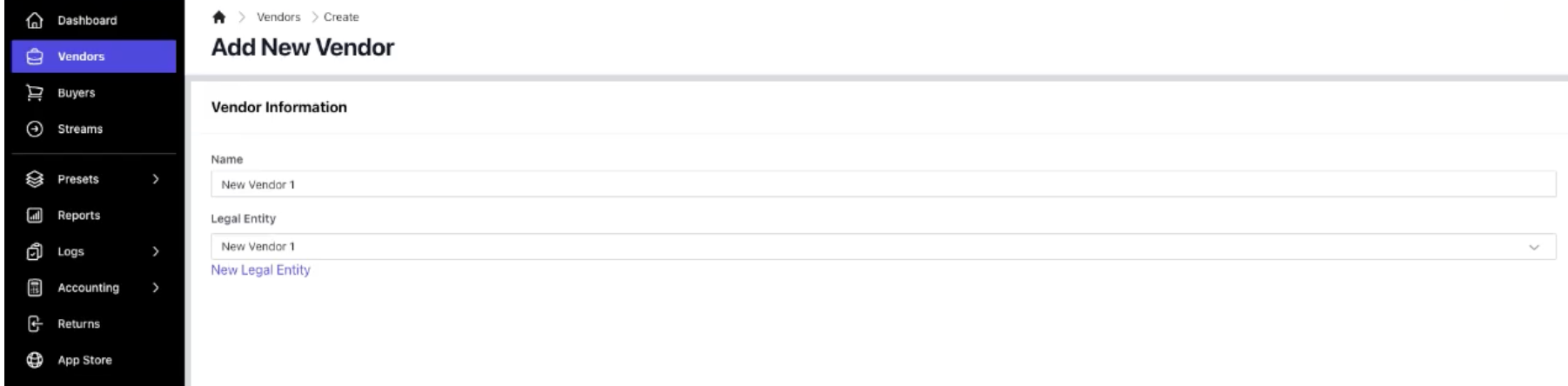
Let's see how quickly this can become your new normal.
What Streams Are
A Stream is simply:
Vendor campaign + Buyer campaign combined
It means:
- No need to create vendors.
- No need to create buyer campaigns.
- No need to keep up with separate routing rules.
The Stream handles everything as one thing. For buyers, it's the easiest way to get things done.
Setting up a Stream
Here's what Greg does in the youtube video.
1. Go to Streams → Add Stream
Add the name, connect the legal stuff (SIO saves it).
2. Add Your Campaign Under the Stream
This is where it gets good:
Pick your subject (like Solar)
Pick your campaign type (Ping-Post, Direct Post, or Capture)
Save
That’s it.
Your lead system is ready.
Once you save, your Stream can:
- Take leads
- Use filters
- Set prices
- Send leads where they need to go
- Set times
- Set location rules
- Control vendor rules without needing a coder
And it’s all in one place.
3. Share the Auto-Made Info With Vendors
This is the cool part.
One click →
The platform makes your:
Links
JSON/XML setup
Required/optional spots
Testing links
Examples
Checks
You can see it in the video, ➡️ 3:33 – 3:45 — the “View Specs” box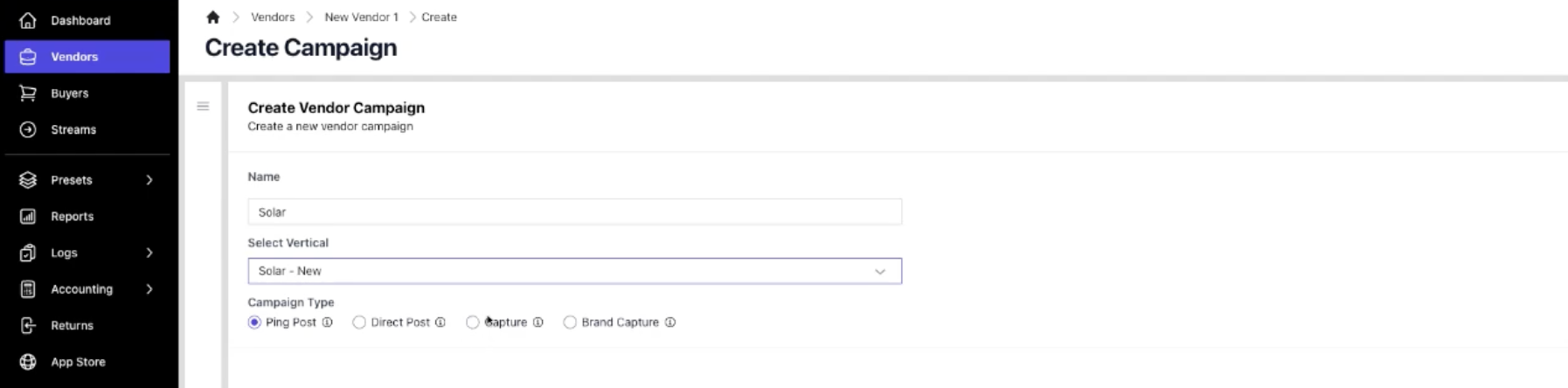
It's a ready-to-send page.
No going back and forth.
No making your own documents.
No asking for the details.
Everything is ready when you create it.
4. Add Price, Limits, and Controls
Inside the Stream campaign, you can now:
Set price per lead
- Direct Post = set price
- Ping-Post = your offer
Control speed
- Spread leads out during the day
- Avoid 20 leads at 9:01 AM issues
Set budgets
- Per day
- Per week
- Per month
Set filters (Like buyers usually do)
- Homeowner only
- Good credit
- Roof type
- Age
- Income
- Vehicle type
- Anything you set in your subject
Set schedules and days off
For:
- Slowing things down on weekends
- Holiday breaks
- Rules for after work hours
Add location filters
Accept:
- ZIP codes only
- States only
- Or other countries with custom filters
Standard Information checks everything, so bad ZIP codes are stopped before saving.
Why Streams Are Good for Lead Buyers
1. One System → Every Vendor
You stop thinking about each vendor.
Everything goes through one system.
2. Cleaning up vendor data is easier
Standard Information’s Amelia AI helps fix formatting automatically so more leads can be used.
3. No more rules everywhere
ZIPs, credit filters, schedules, days off — all in one place.
4. Adding/removing vendors doesn’t mess anything up
You just add them to the Stream.
5. Scaling is easier to predict
As things grow, Streams are your backbone.
In Short
If you only buy leads, don't run things like a big marketplace.
Streams give you one system that makes everything simple:
- Vendors
- Details
- Filters
- Schedules
- Location rules
- Pricing
Everything in one place → simple and ready for growth.
If your lead buying setup feels messy...
Streams are the answer.
FAQ
1. Do I need to make separate vendor/buyer campaigns if I use Streams?
No — Streams do both for buyers.
2. Can Streams use Ping-Post or Direct Post?
Yes, all campaign types work.
3. Can I send the lead to multiple places?
Yes — in the Distributions tab under the Stream campaign.
4. Does changing Stream settings mess up my whole platform?
No — Streams keep things separate.
5. Can I limit a Stream by ZIPs, states, or rules?
Yes — all filters are there.
Meta Description
How to Use Streams in Standard Information [2025]: Manage all lead vendors, filters, prices, schedules, and routing from one unified stream. Learn how Streams replace complex vendor/buyer campaign setups. SIO vs. LeadProsper, Boberdoo, Leadspedia, Phonexa, ActiveProspect, and PingTree Systems.